Sinden Lightgun: Recreating Time Crisis in a Small Living Room
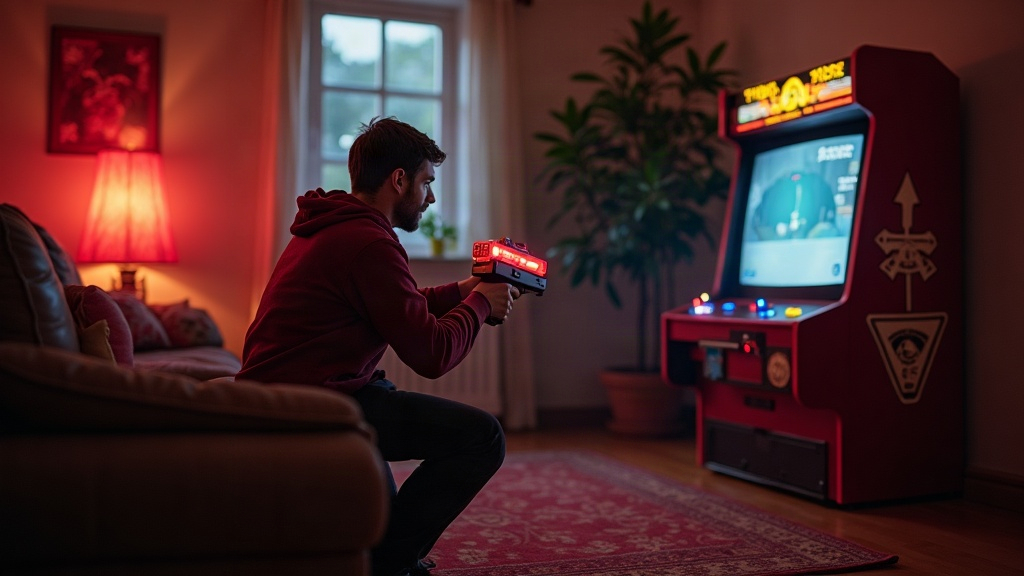
Why the Sinden Lightgun Works Where Others Fail
Older infrared lightguns, think Wii Zapper or Aimtrak running in IR mode, don’t do well in cramped rooms. They depend on sensor bars and fixed distances to register a shot, and the moment your couch isn’t exactly where the manual says it should be, accuracy falls apart. The Sinden Lightgun sidesteps this problem entirely. It uses a border-detection camera built right into the gun, reading a white border you draw around your screen edge, in real time, shot after shot. A few things follow from that:
- It works on LCD, OLED, even projector setups, not just old CRTs.
- It tolerates weird seating distances far better than IR ever did.
- Calibration recalculates on the fly, which matters a lot when your “arcade cabinet” is actually a couch sitting three feet from a 43-inch TV.
Step 1: Measure Your Real Shooting Distance
Real arcade cabinets put you 4 to 6 feet from the screen. Most small living rooms give you maybe 3 to 5 feet of clearance before you hit a coffee table or a wall. That’s workable with the Sinden, but a few things need attention:
- Set the TV or monitor at eye level while seated. Don’t mount it too high just because it looks nicer on the wall.
- Run the Sinden calibration tool and lock in your exact distance. It adjusts crosshair accuracy based on where you’re actually sitting, not some theoretical arcade position.
- Watch for glare. Angle the screen slightly away from windows or lamps, since reflections confuse the border tracking more than people expect.
Step 2: Software Setup for Authentic Time Crisis Feel
Original Time Crisis arcade boards aren’t something you can legally emulate at home in most cases, so people build the experience out of other pieces:
- RetroArch with a Sinden-compatible lightgun core. It pairs nicely with Virtua Cop and House of the Dead-style titles that already mimic the Time Crisis formula.
- Teknoparrot for PC ports of arcade shooters that support lightgun input, including the pedal-based cover mechanics.
- A CRT shader, Mega Bezel or CRT-Royale are the usual picks, to recreate that scanline look. Oddly enough this also helps Sinden’s tracking, since the sharper contrast makes the border easier to read.
Step 3: Simulate the Foot Pedal (Cover System)
The duck-behind-cover pedal is Time Crisis’s whole identity, and a lot of home players skip it out of convenience. That’s a mistake if you actually want the arcade feel. For tight spaces, try this instead:
- A cheap USB arcade foot pedal, widely compatible, mapped to reload/cover.
- Velcro it to a small wooden board so it doesn’t skate across the carpet every time you stomp on it.
- If there’s genuinely no floor room, a hand button on a second controller can stand in, though it feels noticeably less immersive. It’s a backup, not a replacement.
Step 4: Optimize for Limited Room Width
Side tables, bookshelves, lamps, all the usual living-room clutter tends to creep into your shooting lane. A few fixes:
- Swap bulky floor speakers near your play position for a soundbar or thin-profile speaker setup.
- Put the TV on an articulating arm so you can angle it a bit if your couch isn’t perfectly centered (most living rooms aren’t).
- Leave about 2 feet of buffer on each side for natural arm movement when you’re aiming at the screen edges. Sinden’s border tracking needs a clean, unobstructed view of the whole frame, and a lamp half-blocking one corner will cause misreads.
Step 5: Lighting Matters More Than You Think
Because Sinden tracks with a camera rather than infrared, light becomes a real variable:
- Keep bright lights from shining directly onto the TV border.
- Dim the room a little during play, it keeps border contrast consistent shot to shot.
- Calibrate at the actual time of day you plan to play. Rooms with big windows shift in natural light throughout the day, and that alone can throw tracking off by evening.
Common Mistakes to Avoid
- Sitting too close. Sinden handles short distances better than IR guns ever did, but anything under 3 feet starts causing edge-tracking errors.
- Skipping recalibration. Move the furniture, tilt the TV, whatever, recalibrate. It takes less than a minute and saves a lot of frustration mid-session.
- Underestimating screen size. A 32-inch screen technically works. But step up to 40 inches or more and the sense of scale changes completely, it’s what makes Time Crisis-style games feel like an actual cabinet instead of a living room experiment.
Final Thoughts
You don’t need a dedicated arcade room to get this right. A Sinden Lightgun, a properly measured TV distance, a compact foot pedal, and the right emulation stack can get a small living room surprisingly close to standing in front of a real Time Crisis cabinet, crosshair precision, cover mechanics, pedal reload, all of it.