Beginner RGB Modding vs Advanced HDMI Kits: N64 Blur Fix
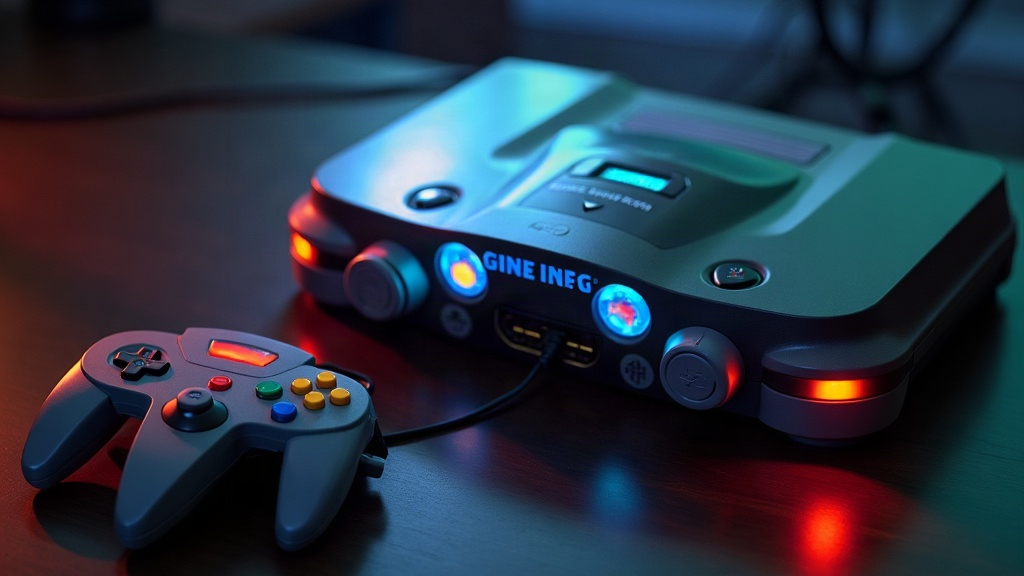
If your N64 games look soft, smeared, or washed out on a modern TV, you’re not imagining things. The console’s stock composite output was designed for CRTs from the ’90s, not the 4K panel sitting in your living room now. The good news is there are two proven fixes. Beginner RGB modding gets you a sharp, color-accurate picture through a CRT or RGB-capable display for not much money and a reasonable amount of soldering. Advanced HDMI kits (UltraHDMI and similar boards) push out a clean, lag-free digital signal that any modern TV can read natively, but they ask more of your wallet and your soldering hand. Here’s how to figure out which one fits you.
Why the N64 Looks Blurry in the First Place
Nintendo shipped the N64 with composite and S-Video as the default outputs. Both of these mash color and brightness signals together instead of keeping them separate, and that’s where the trouble starts:
- Color bleeding between objects
- Soft, undefined edges on text and sprites
- Washed-out or inconsistent color saturation
- Visible dot crawl and noise on bright scenes
Even the console’s built-in RGB capability (standard in PAL regions, and present on some official SCART cables) only gets you partway there. The games themselves render at a low internal resolution with heavy anti-aliasing baked in, so there’s a ceiling on how crisp things can look no matter what you do. Modding fixes the output stage, not the rendering engine itself, but that’s still enough to transform how a game looks on screen.
Option 1: Beginner RGB Modding
RGB modding taps into pins already present on the console’s board and routes that signal cleanly out, usually through SCART, VGA, or a small encoder board, instead of letting it get mushed together like composite does.
What you need:
- A basic soldering iron and fine-tip solder
- An RGB mod kit (a lot of these are “bridge” boards that only need a handful of wires)
- A CRT, or an RGB-to-HDMI converter like an OSSC or RetroTINK, if you’re on a flat panel
Pros:
- Cheap, usually $20 to $50 for the kit itself
- Easy soldering, often fewer than 10 connection points
- Image is noticeably sharper and more saturated than composite
- Looks fantastic on a CRT if you’re chasing that authentic look
Cons:
- Still analog at the end of the day, so some softness lingers compared to true digital
- You’ll need an external scaler or converter to use it on a modern flat-panel TV
- Final image quality rides heavily on how good that converter is
If you’re new to console modding, want to keep the CRT experience alive, or just want a real upgrade without dropping serious cash on digital hardware, this is where to start.
Option 2: Advanced HDMI Kits
HDMI boards grab the video signal straight from the N64’s graphics chip, before it ever becomes analog, and convert it directly to digital HDMI. No analog stage, no analog limitations.
What you need:
- Intermediate to advanced soldering skills (fine-pitch work, sometimes SMD-level)
- A dedicated HDMI mod board
- Some patience for calibration: resolution, aspect ratio, audio sync all need dialing in
Pros:
- True plug-and-play HDMI, no scaler required
- The sharpest image you can get, zero analog noise or blur
- Some boards support higher internal resolutions
- The best long-term answer if you’re mainly on modern TVs
Cons:
- Pricier, typically $100 to $200 or more per kit
- Installation is genuinely hard, not something to try as your first solder job
- Stock is often limited and waitlists are common given demand
This route makes sense if you already have soldering chops, want something permanent and plug-and-play, and don’t mind paying more upfront for the cleanest result possible.
Which One Should You Choose?
- Choose RGB modding if: you’re new to modding, own a CRT, or just want an affordable bump without a big project.
- Choose an HDMI kit if: you play exclusively on modern TVs, want the sharpest image around, and already trust your soldering.
- Consider doing both, eventually: a lot of people start with RGB to learn the ropes, then move up to HDMI once they’re comfortable with finer work.
Final Thoughts
Fixing N64 blur really comes down to matching the mod to your setup and your comfort level with a soldering iron. RGB modding is the accessible, wallet-friendly route and it pairs beautifully with a CRT. HDMI kits cost more and demand more, but they hand you the sharpest, most future-proof picture for a modern TV. Either way, you’re leaving stock composite output far behind, and games like Ocarina of Time and GoldenEye 007 will look better than you’ve probably ever seen them.