Complete Guide to Replacing Save Batteries in GB Cartridges
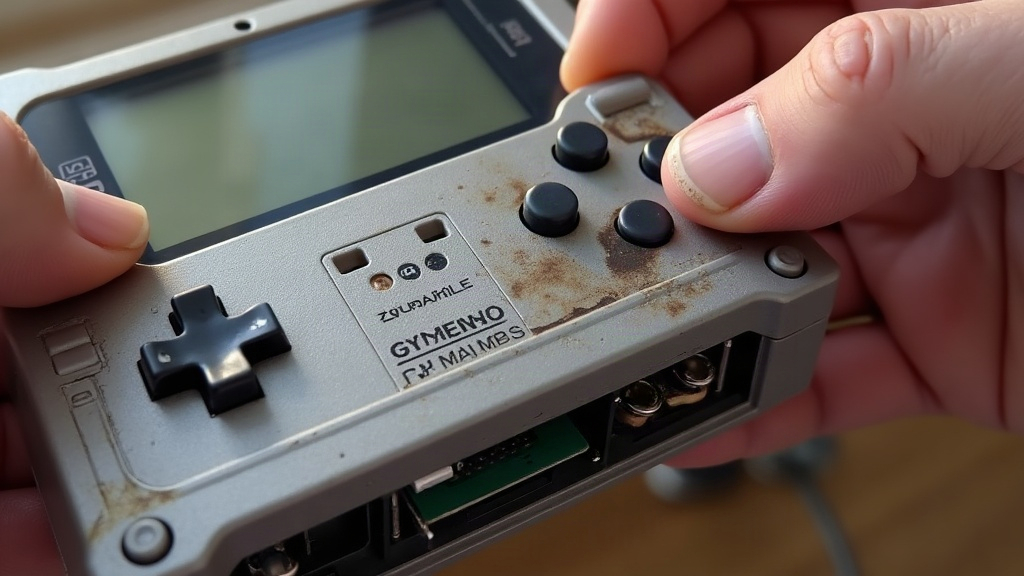
If your Pokemon Red, Blue, Yellow, Gold, Silver, or Crystal cartridge suddenly dumps you back to “NEW GAME,” or just refuses to save at all, nine times out of ten the problem is a dead internal battery. Nothing more exotic than that. Below is a walkthrough for diagnosing it, picking the right replacement, and soldering it in without frying the board or wiping out data you didn’t need to lose.
Why Pokemon Cartridges Lose Their Save Data
Every Game Boy Pokemon cartridge has a small coin cell soldered right onto the circuit board. That battery keeps the SRAM chip alive, the chip holding your Pokedex entries, your badges, every hour you spent grinding for a shiny Magikarp, even when the cart sits in a drawer for years. After two decades or more, these cells just run out. Once the voltage dips below a certain threshold, the SRAM can’t hold its charge anymore and the data goes with it.
Common symptoms of a dying battery:
- The game boots straight into a “new game” prompt, skipping the title screen save option entirely
- Your save vanishes within days, even though you saved properly and turned the console off correctly
- Clock features (that Gold/Silver/Crystal day-night cycle) reset themselves or just run wrong
- A brief freeze on boot right before the Nintendo logo appears
Seeing any of this? Time to swap the battery. And honestly, the longer you wait, the better the odds you lose that save for good.
What You’ll Need
- Replacement battery: most Game Boy/GBC Pokemon carts run on a CR1616 (3V). Some early or Japanese-market carts use a CR2025 instead. Check the markings on your old battery before you order anything.
- Tri-wing (Y-shaped) screwdriver, since Nintendo used this oddball screw head on cartridges instead of a regular Phillips
- Soldering iron (fine tip, 15-30W) plus thin rosin-core solder
- Desoldering braid or a solder sucker
- Flux pen (honestly makes the whole job cleaner and faster)
- Tweezers and a plastic spudger for cracking the shell open
- Optional: a pre-made “no-solder” battery holder kit from a retro repair shop, which just clips into place, no iron needed
Step-by-Step Replacement Process
1. Open the Cartridge
Pull the two tri-wing screws from the back. Ease the shell halves apart slowly, the board and label are just sitting loose inside, not clipped down.
2. Locate the Battery
You’ll spot the coin-shaped cell near the edge of the board, held by two metal tabs soldered straight to the PCB. Before you pull it, note which way it’s facing (positive side’s usually up) so the new one goes in the same way.
3. Desolder the Old Battery
Heat each tab on its own and lift the solder with braid. Don’t just pry the battery loose with force, the pads are thin and lift off the board shockingly easily, and once that happens you’re looking at a much bigger repair.
4. Clean the Pads
Wipe away the leftover flux and solder gunk with isopropyl alcohol and a cotton swab until the contact points look clean and shiny again.
5. Install the New Battery
Two routes here:
- Direct solder: tin the pads lightly, then solder the new battery in with the same orientation as before, touching the iron for just a second or two per tab so you don’t cook the lithium cell.
- Battery holder (the better call if you’re new to this): solder a surface-mount coin cell holder onto the pads instead. Next time the battery dies, you just pop in a fresh one, no iron required.
6. Reassemble and Test
Snap the shell back together, drop the screws in, and load the cart into a Game Boy, GBC, GBA, or GBA SP. Start a new save or load an old one, power down for about a minute, then turn it back on to check the save actually stuck.
Preserving Your Save Before You Start
If the save still loads but the battery’s clearly on its way out, back it up first, don’t skip this.
- A GB Operator, Joey Jr, GBxCart RW, or similar cartridge dumper will pull the
.savfile straight to your computer. - Once the new battery’s in, write that saved file back onto the cart with the same device. Even if the cart resets mid-repair, nothing’s actually lost.
Frequently Asked Questions
Can I use a rechargeable battery instead? No. These cartridges were never built to recharge the cell, and trying it risks overheating or leakage. Stick to standard CR1616 or CR2025 lithium coin cells.
Is it safe to solder that close to the circuit board? Yes, as long as you keep the iron moving and use a low-wattage one. Linger too long and you risk lifting a pad or cooking the SRAM chip. If you’ve never soldered before, practice on a junk cartridge first.
How long will the new battery last? A fresh CR1616 should give you another 10-15 years under normal conditions, roughly what the original lasted.
Final Thoughts
Swapping the save battery in a Pokemon Game Boy cartridge is a cheap fix, usually under $5 in parts, and it can bring back save files that are decades old while keeping a cartridge you love playable for years more. Grab a tri-wing screwdriver, a fine-tip iron, and a bit of patience, and this is a repair almost anyone can pull off at the kitchen table.