CRT vs OSSC Upscaler: Best Setup for PlayStation 2 RPGs
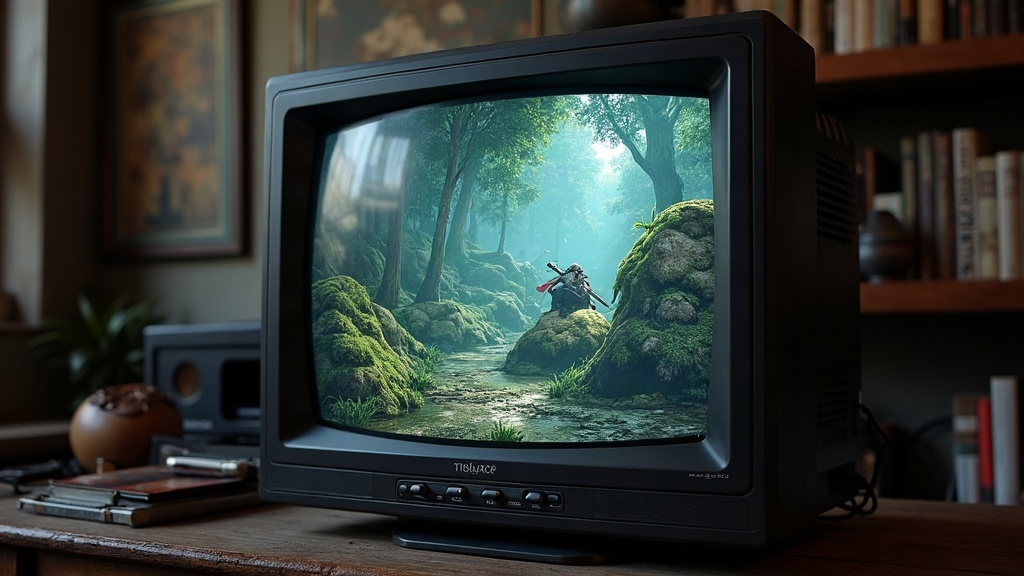
If you’re replaying classics like Final Fantasy X, Shin Megami Tensei: Nocturne, or Dark Cloud 2, the display you pick matters more than most people assume. Here’s the short version: a CRT gives you the most authentic look and zero lag right out of the box, while an OSSC (Open Source Scan Converter) lets you run PS2 RPGs on a modern HDTV or monitor with sharp, line-doubled image quality and barely any added lag. Which one’s “right” for you comes down to space, budget, and how much you care about authenticity versus convenience.
Why This Decision Matters for RPGs Specifically
RPGs live and die by text and UI. Menus, dialogue boxes, tiny battle HUD elements, these expose scaling artifacts and blur way more than a fast-action platformer ever would. A bad upscaling chain can turn crisp PS2 fonts into a mushy, ghosted mess. That’s a real problem when you’re reading hours of dialogue in something like Xenosaga or Persona 3. Nobody wants to squint through a 40-hour script.
CRT: The Native Experience
A good consumer CRT (think a Sony PVM/BVM professional monitor, or even a solid late-90s/2000s Trinitron) shows the PS2’s native 480i/480p signal exactly the way the console intended it.
Pros:
- Zero perceivable input lag. CRTs draw the image as it arrives, no frame buffering involved.
- Natural scanlines and phosphor glow soften dithering and low-res textures, which a lot of RPG sprites and pre-rendered backgrounds were actually designed around.
- No scaling artifacts. Text and UI elements stay razor-sharp at native resolution.
Cons:
- CRTs are heavy, getting harder to find in good shape, and there’s zero official support. You’re entirely at the mercy of the secondhand market.
- No HDMI. You’ll need RGB SCART, component, or VGA breakout cables, and ideally an RGB-modded PS2 if you want the best colors.
- Desk space and power draw aren’t trivial either. A 27-inch Trinitron alone can weigh over 80 pounds.
OSSC: The Modern Bridge
The OSSC takes analog signals (RGB SCART, YPbPr component, or VGA) and converts them into clean digital HDMI output for a flat-panel display, with minimal processing lag, usually under 1 frame.
Pros:
- Works with any modern TV or monitor, so no CRT hunting required.
- Line-multiplication modes (5x for 240p, line-doubling for 480i/480p) keep pixel edges sharp instead of smearing them into blur.
- Optional scanline generation fakes that CRT look on an LCD or OLED.
- Great if you want to stream, capture, or record your PS2 RPG playthroughs digitally.
Cons:
- Setup gets technical. You need the right cables (RGB SCART or component), correct sync settings, and sometimes firmware tweaks per game.
- 480i content (and PS2 cutscenes use this a lot) can look choppier than native CRT deinterlacing, unless you pair it with a solid deinterlacer or spring for the OSSC Pro.
- Costs run $150 to $280 depending on the revision, plus cabling. That’s comparable to, or even more than, a budget CRT setup.
Head-to-Head for RPG-Specific Concerns
| Factor | CRT | OSSC |
|---|---|---|
| Input lag | None | ~1 frame |
| Text/UI sharpness | Excellent (native) | Excellent (line-multiplied) |
| Modern display compatibility | None | Full HDMI |
| Setup complexity | Low (once sourced) | Moderate |
| Long-term reliability | Aging, hard to repair | New hardware, supported |
| Capture/streaming friendly | No | Yes |
Which Should You Choose?
- Go with a CRT if you already own one, want the most period-accurate look possible, and don’t care about recording or streaming your sessions.
- Go with an OSSC if you want PS2 RPGs running on your main living room TV or monitor, plan on capturing gameplay, or simply don’t have the room for a CRT taking up a corner.
- Hybrid setup: plenty of collectors keep a small CRT around for casual sessions and run an OSSC-fed rig for recording “let’s play” content or showing off their library on a big screen. Not an either/or decision for everyone.
Practical Setup Tips
- RGB mod your PS2 (or at least use a stock component cable). Composite or S-Video into an OSSC looks noticeably worse than RGB SCART or YPbPr, and you’ll notice it fastest in menu text.
- Use a proper sync cable. A cheap, unshielded SCART cable introduces jailbars and noise that show up especially badly on RPG menu screens, those flat colored backgrounds make every flaw obvious.
- Tune OSSC scanline settings per game. A mid-strength scanline setting at native 480p usually gets you closest to that CRT feel without losing sharpness.
- For 480i cutscenes, if judder bothers you, look at a RetroTINK or OSSC Pro, both handle deinterlacing noticeably better.
Conclusion
For PlayStation 2 RPGs, both CRT and OSSC can deliver excellent results. The real difference comes down to lifestyle fit, not raw quality. CRTs win on pure authenticity and zero lag. OSSC wins on flexibility, modern display compatibility, and future-proofing. Building a dedicated retro corner? A CRT is hard to beat. Want your PS2 RPGs living comfortably inside your everyday gaming setup? The OSSC is the smarter long-term bet.