Fix Sega CD Model 2 Gear Grinding Noise: Full Repair Guide
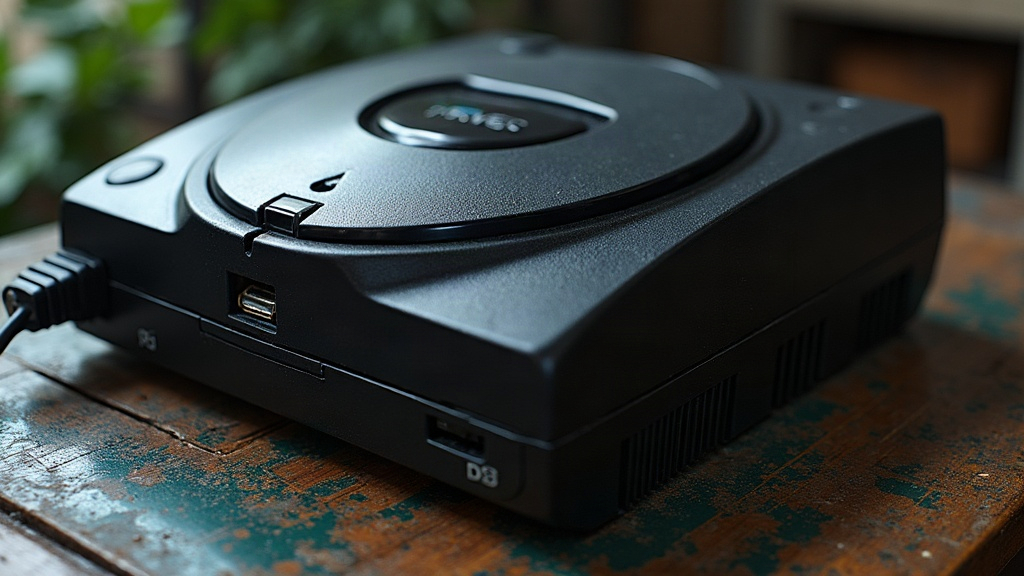
That harsh, rattling grind coming from your Sega CD Model 2 when you try to load a disc is one of the most common, and most dreaded, problems owners run into with this classic add-on. Here’s the reassuring part: it’s almost always mechanical, not electrical, and you can usually sort it out in under an hour with tools you already own. This guide walks through the real causes, how to figure out which one you’re dealing with, and exactly how to fix it.
Why the Sega CD Model 2 Grinds Instead of Spins
The Model 2 relies on a plastic disc tray mechanism driven by a small motor and gear train, paired with a separate spindle motor that actually spins the disc. After 30-plus years, those plastic parts just don’t hold up the way they used to. When you hear grinding, chances are it’s one of these culprits:
- Stripped or cracked gears in the tray-loading mechanism
- A dried-out, slipping drive belt that lets the motor spin freely without moving the tray
- Dirty or gummed-up gear teeth from old lubricant that’s turned into sticky gunk
- A misaligned tray binding against the housing
- A failing spindle motor straining against resistance it shouldn’t have to fight
Step 1: Identify the Sound’s Source
Before you grab a screwdriver, just listen for a minute:
- Grinding only while the tray opens or closes, then it stops → almost certainly the loading gear train or belt.
- Continuous grinding after the tray closes, like the drive is struggling to spin up → likely the spindle motor, or possibly a disc that isn’t seating on the hub correctly.
- A click followed by grinding → often a gear with stripped teeth skipping over itself.
If you can crack open the lid and watch the tray in motion, pay attention to whether it moves in jerky little stops and starts. That stuttering motion is a dead giveaway for damaged gear teeth.
Step 2: Open the Unit Safely
- Unplug the unit and disconnect it from your Genesis.
- Remove the screws on the underside (the Model 2 typically has 5-6 Phillips screws, a couple of which are often hidden under the rubber feet).
- Lift the top shell carefully. There are ribbon cables connecting the lid-mounted buttons and LED to the mainboard, so don’t yank it off.
- Find the disc tray assembly, usually secured with a few screws and plastic tabs.
Step 3: Inspect and Clean the Gear Train
Pull the tray mechanism out and take a close look at the small white or gray nylon gears:
- Look for chipped or rounded-off teeth. These gears need replacing, not cleaning, no amount of alcohol will fix a stripped tooth.
- Check for old grease that’s hardened into brown gunk. This alone can cause binding and grinding even when the gears themselves are perfectly fine.
- Clean all the gears and tracks with isopropyl alcohol (90%+ works best) using a soft brush or cotton swab.
- Re-lubricate with a small dab of white lithium grease or a PTFE-based plastic-safe grease. Skip petroleum-based oils; they’ll eat away at the plastic over time.
Step 4: Replace the Belt If Needed
A lot of Model 2 units use a small rubber belt to transfer the motor’s rotation to the gear train. Thirty-plus years is a long time for rubber, and it stretches, cracks, or gets sticky.
- If the belt looks shiny, feels loose, or shows visible cracks, just replace it. It’s not worth fighting with a dying belt.
- Aftermarket Sega CD belt kits are easy to find online, usually just a few dollars, and come in the correct size.
- Wipe the pulley surfaces down with alcohol before fitting the new belt. Leftover residue will make even a brand-new belt slip.
Step 5: Replace Stripped Gears
If you spot teeth that are visibly broken or rounded off:
- Order a Sega CD Model 2 gear replacement kit. Several retro repair parts shops sell exact reproductions, sometimes in sturdier plastic or even metal.
- Replace the whole gear set, not just the worst-looking one. If one gear gave out from age, the others are usually not far behind.
- Put everything back in the exact order you took it out. Snap a few photos during disassembly so you’re not guessing later.
Step 6: Reassemble and Test
- Before buttoning up the shell, power the unit with the top open and manually watch the tray move (carefully, and keep clear of static-sensitive components).
- Confirm the tray opens and closes smoothly and quietly before putting the top shell back on.
- Pop in a known-good CD and make sure the spindle motor spins up cleanly, with no extra noise.
When It’s Not the Gears
If you’ve already cleaned and regreased everything and the grinding only shows up during disc spin-up, start suspecting the spindle motor bearing or a worn disc clamp. These aren’t as common, but they do turn up on units that have seen heavy use over the decades.
Conclusion
The Sega CD Model 2’s grinding noise almost always comes down to aged plastic gears, dried-out lubricant, or a worn belt, all fixable with some patience, basic tools, and cheap replacement parts. Diagnose by ear first, open the case, clean and regrease the gear train, swap the belt if it’s slipping, and replace any gears with visibly damaged teeth. Get these repairs right and your Sega CD will load discs as smoothly as it did back in 1992.